Build your own AI video studio that researches, writes, voices, edits and schedules.
A step-by-step course with 15 builder prompts you paste into an AI coding assistant. Mostly free tools, on your own computer, in a style that's yours. Plan on two to four weekends to get your first fully automatic video out.
Get the course $47, one-time · instant PDF download · 60-day refund through ClickBankTemplate channels are exactly what YouTube stopped paying for.
Most "faceless channel" courses hand you someone else's format and tell you to post five times a day. In July 2026 YouTube clarified that generic, repetitive, template-based videos don't get monetized. Copying a successful channel's style puts you in that bucket.
This course goes the other way. It teaches you to build the machine, then hands the controls to you: a Channel Identity Workbook becomes a settings file that every part of your engine follows. Two people who take this course end up with two different channels.
This is for you if…
- You want a video channel without being on camera
- You can follow instructions carefully and stay patient with errors
- You have a computer with 16 GB of memory (Mac or PC)
- You'd rather own your tools than rent a monthly service
This isn't for you if…
- You want a push-button, done-for-you system
- You expect income in the first month (or any guaranteed income)
- You plan to clone someone else's channel or re-upload their videos
- You don't have a few weekends to build and test
14 modules, 15 builder prompts, one engine that's yours.
I built this engine for my own channels. It runs on a 16 GB MacBook.
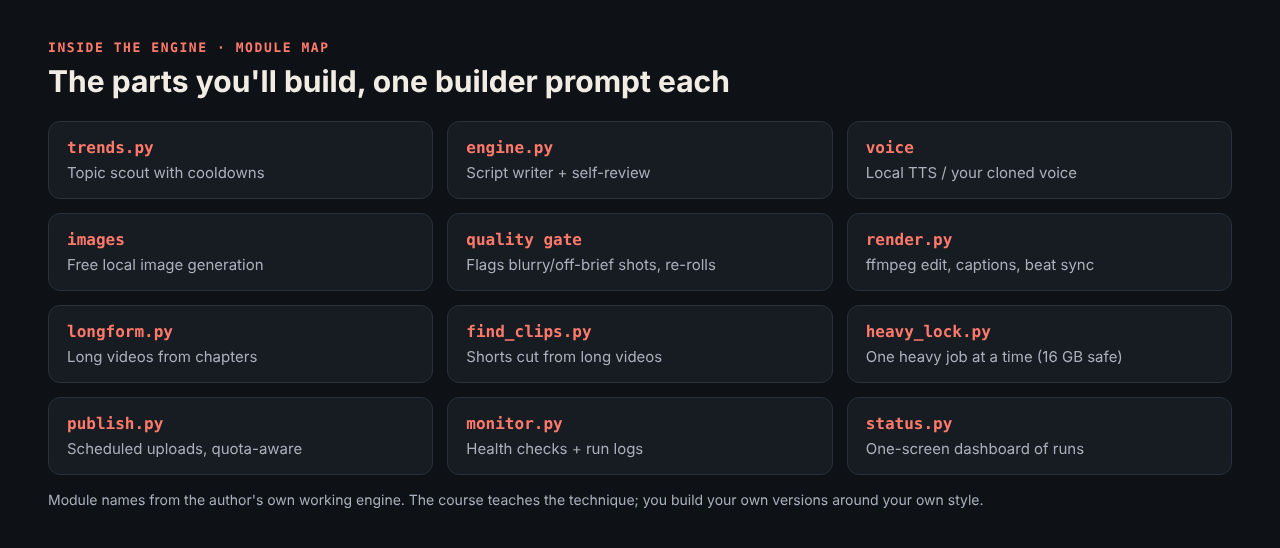
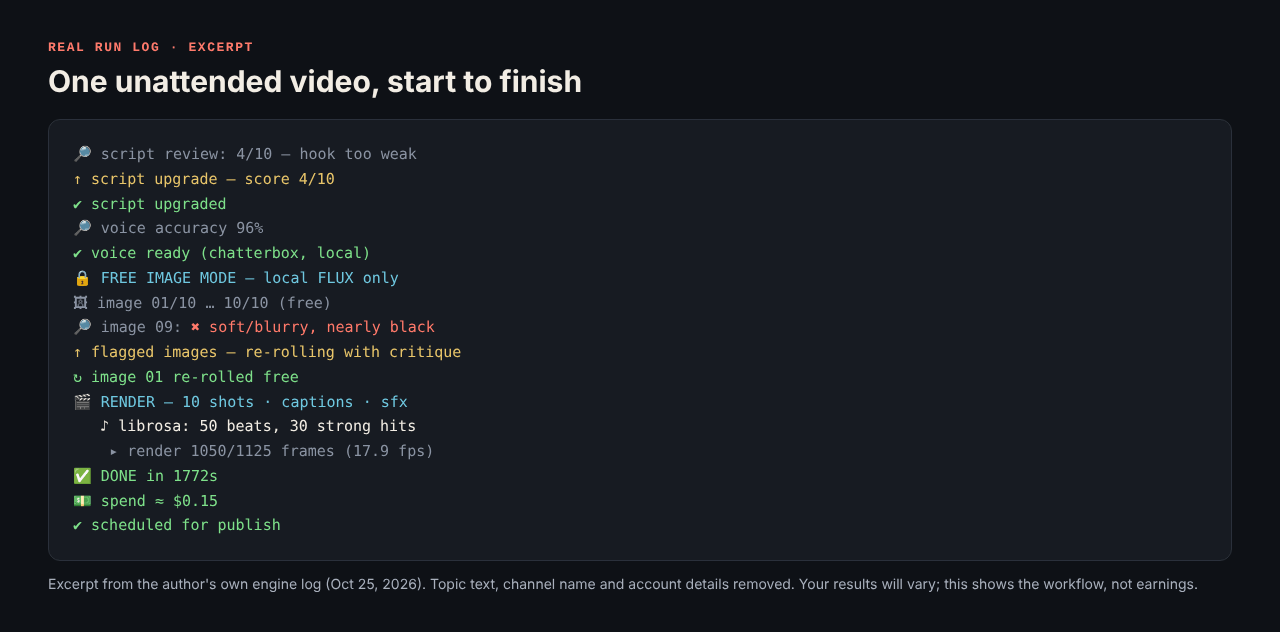
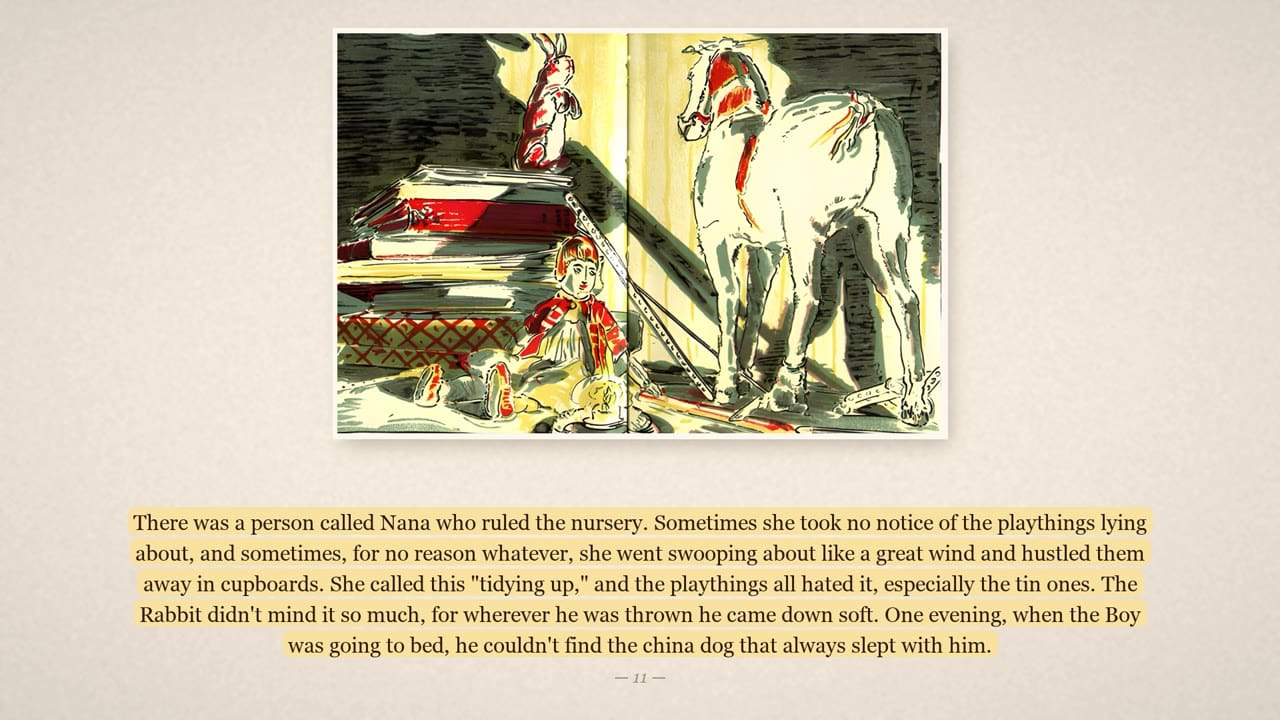
These show what the engine does. They are not a prediction of views, subscribers or income for you.
J. Jones, independent creator, M4 Productions
I run several content projects on an engine I built station by station with an AI coding assistant, mostly with free tools. This course is that blueprint, minus my own channels, prompts and voices: you get the method, and you build your own.
Instant download: the full course PDF (14 modules, 15 builder prompts, workbook, glossary).
Get the course for $4760-day money-back guarantee through ClickBank. No subscription, no upsells.
Questions
Do I need to know how to code?
No. You paste builder prompts into an AI coding assistant (Claude Code, Cursor or similar) and it writes each station. You do need to follow steps carefully, read error messages, and paste them back to the assistant.
What does it cost to run?
The core tools are free. Your AI coding assistant may have its own subscription or free tier. Paid upgrades like premium voices or AI video are optional.
Mac or Windows?
Commands are shown for Mac; the builder prompts work for Windows and Linux too, and your assistant adapts the commands. 16 GB of memory is the practical minimum.
Will I make money with this?
Maybe not. This course teaches how to produce videos; it doesn't guarantee views, monetization or income. Many channels never earn money. See the disclaimer below.
Will my channel look like yours?
No, and that's the point. Nothing in the course is tied to my channels. Your Workbook decides your niche, voice, look and format.
How is it delivered?
Right after checkout you land on a download page with the PDF. The charge appears on your statement as CLKBANK*COM.